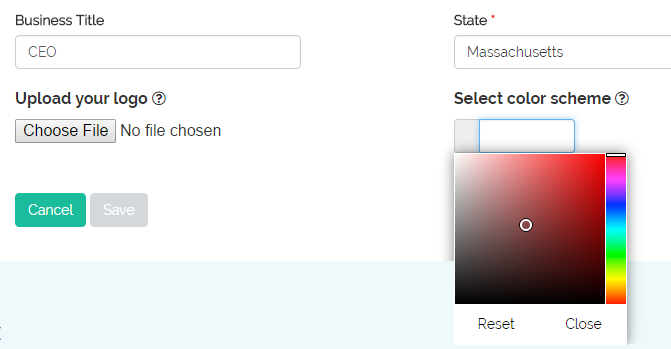
Yes. You can upload your logo, and also change the application’s color scheme. Just click on the My Account link and go to the Account Details tab. Go to the “Upload your logo” at the bottom of the page and click on the “Choose File” button. You can then select your logo file from your computer. To change the color scheme, go to the “Select color scheme” section, and either 1) enter the HTML code of your desired color, e.g., the primary color of your logo, or 2) select a color from the color palette.