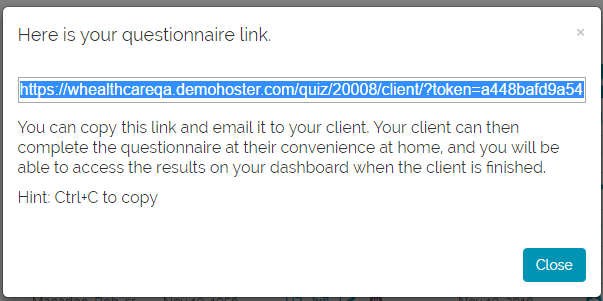
The application enables you to create a link that you can send to your client via email. When the client clicks on the link, she will be taken to the beginning of the questionnaire. When she completes it, a link to the finished questionnaire and associated plan or profile will appear on your dashboard.
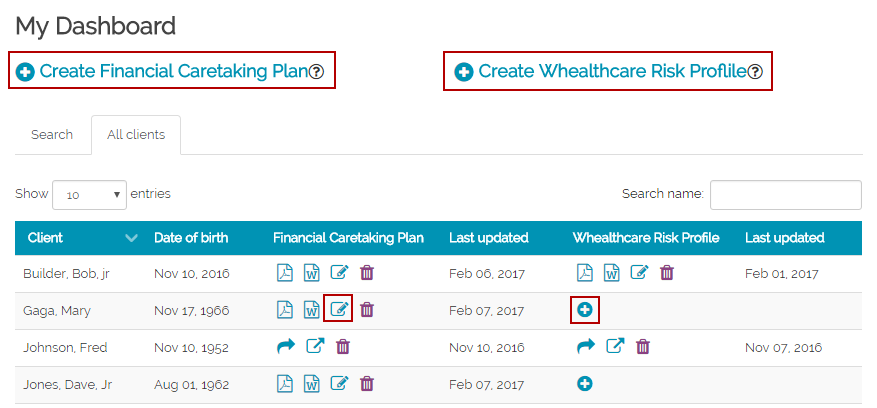
To create the link, choose the questionaire you want the client to complete. For a new client, click on the "Create..." link at the top of the dashboard page. For an existing client, click on the "plus sign" or the update icon next to their name in the dashboard for the questionnaire you would like them to complete.
Fill out the demographic info (for a new client) or make any necessary demographic info edits (for an existing client) and then click the "Generate link and exit" button at the bottom of the page.

A popup will appear showing the link. Copy the link and email it to your client.