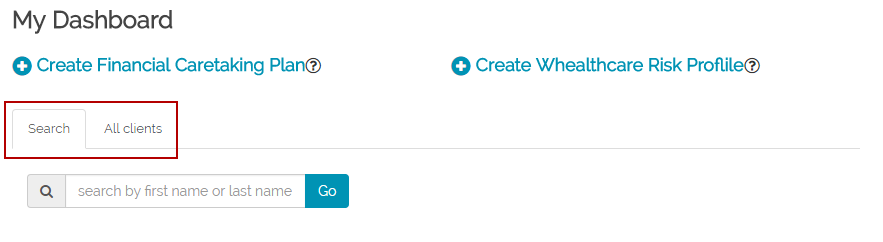
You can show/hide the list of clients on your dashboard by using the "Search / All clients" tab at the top of the dashboard. When you click on the Search tab, you will see only a search box that will enable you to search for a specific client. The full list of clients is not shown. This functionality is useful when you are with a client and do not want to client to see your full list of clients.
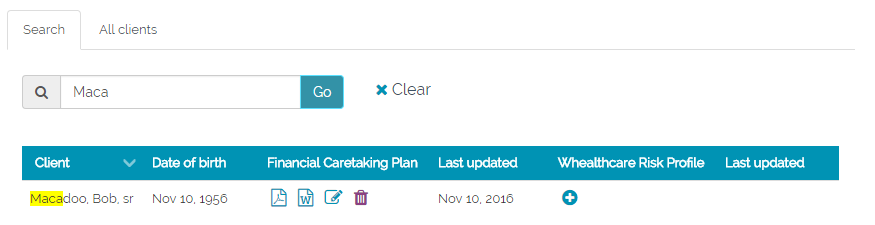
You can then search for a client by first or last name
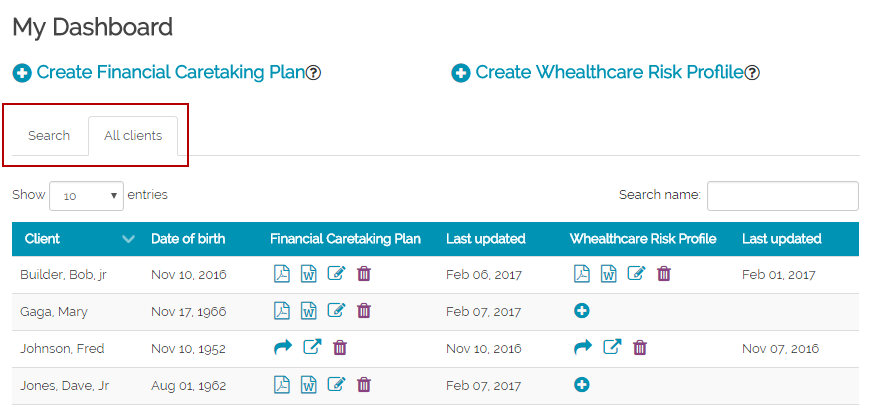
You can go view the full list by clicking on the "All clients" tab.
Your selection of how to view the dashboard is “sticky”, that is, it will stay in that mode until you change it. So even if you logout, when you log back in, the dashboard will be in the same mode as you left it.